










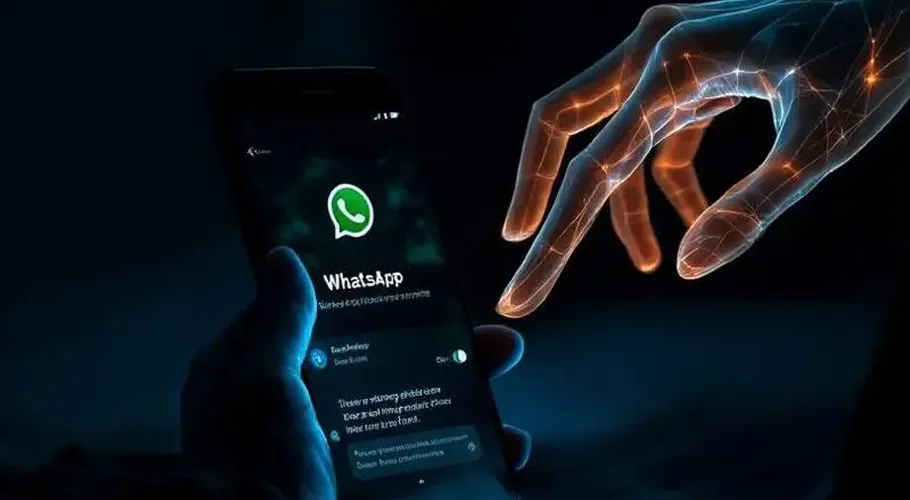
“Ghost pairing” is a specific mobile cyberattack, primarily targeting WhatsApp, where scammers trick users into linking the attacker’s device to their account.
Unlike traditional hacking that requires stealing passwords or SIM swapping, this method exploits the legitimate “Linked Devices” feature to gain real-time access to chats and media without the user’s knowledge.
How the Attack Works?
The scam relies on social engineering rather than technical exploits.
You receive a message, often from a contact whose account has already been compromised, with a hook like “Hey, I found your photo!” or “Check out this video.”
Clicking the link takes you to a deceptive website often disguised as a Facebook login or verification page that asks for your phone number to “verify” your identity.
The attacker’s site sends your phone number to WhatsApp’s official device-linking system. WhatsApp then generates a pairing code, which the scammer’s site displays back to you.
You are prompted to enter that code into your WhatsApp app. Because it looks like a standard security check, many users comply, unknowingly authorizing the attacker’s browser as a “linked device.”
Why Is It Dangerous?
The attacker’s session is “invisible.” Your phone works normally, there are no sudden logouts, and you can continue to chat as usual while the attacker mirrors every message.
Once linked, the scammer can read historical and new messages, download private photos and videos, and even send messages to your contacts to spread the scam further.
The link remains active in the background for months unless you manually remove it from your settings.
How to Protect Yourself
Regularly go to WhatsApp Settings > Linked Devices. If you see any browser or device you don’t recognize (e.g., “Google Chrome (Windows)” that you didn’t set up), tap it and select Log Out immediately.
Do not enter verification or pairing codes into your app unless you personally initiated a login on your own computer.
Enable Two-Step Verification: Adding a custom PIN provides an extra layer of security that makes unauthorized access harder.
Avoid clicking suspicious links, even from friends, especially those creating a sense of urgency or panic.
https://archive.mmnews.tv/musk-launches-xchat-to-rival-whatsapp/