










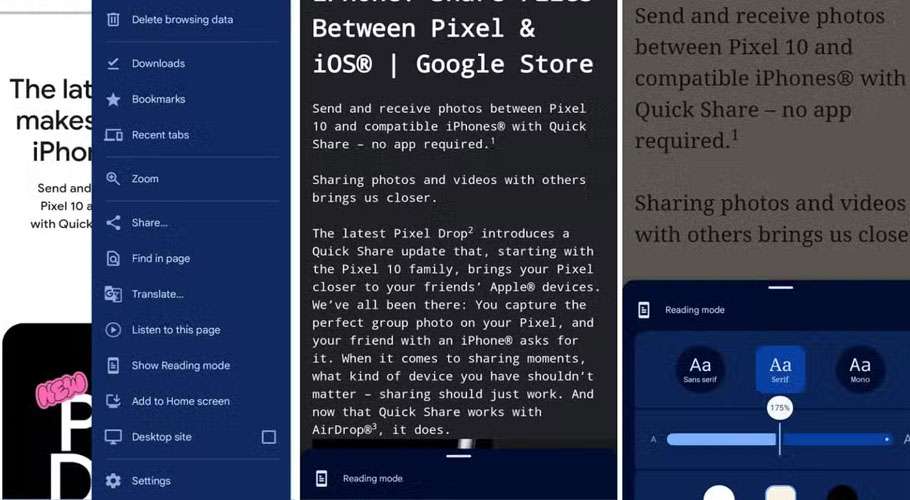
Google Chrome’s Reading Mode has received a major upgrade, introducing advanced Text-to-Speech features with adjustable voices and speeds, adaptive highlighting for words and sentences, and enhanced customization options for fonts, themes, and spacing.
Users can now listen to content with natural-sounding voices while words are highlighted as they are read. Settings such as font, size, theme, and spacing are now persistent across pages, ensuring a consistent reading experience.
The update also removes distractions by stripping ads, banners, and other clutter, presenting only the main text in a clean, focused view.
Reading Mode can be accessed by right-clicking on a webpage and selecting “Open in reading mode,” through the desktop menu under More Tools, or via a side panel that allows users to adjust settings while keeping the original page visible.
The improvements aim to benefit users with low vision or dyslexia, those easily distracted by web elements, and people who prefer auditory learning or multitasking, making content consumption more accessible, customizable, and focused.