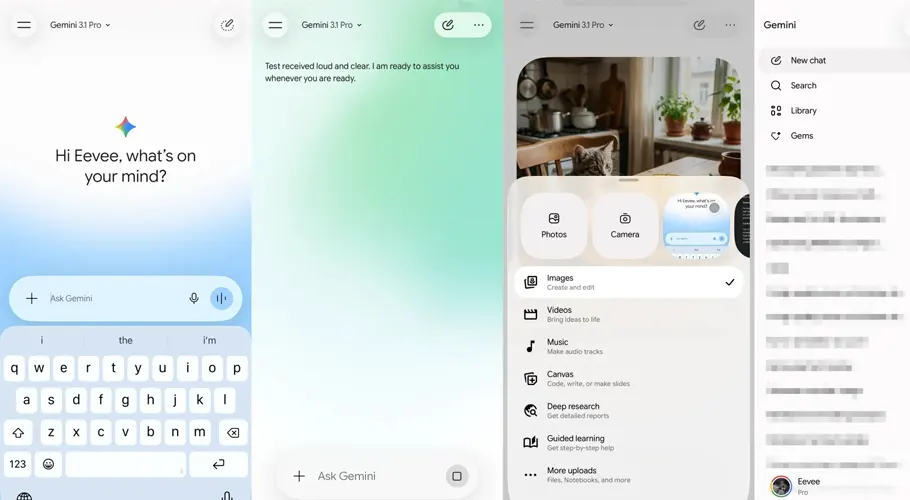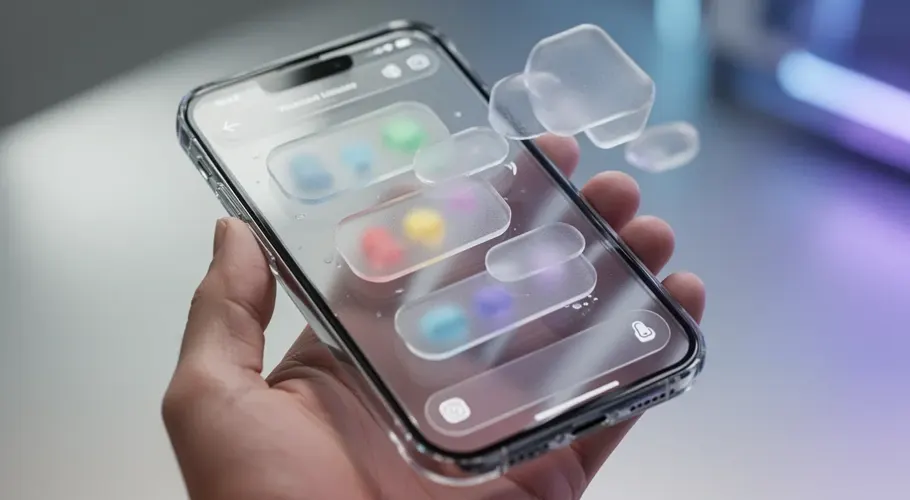











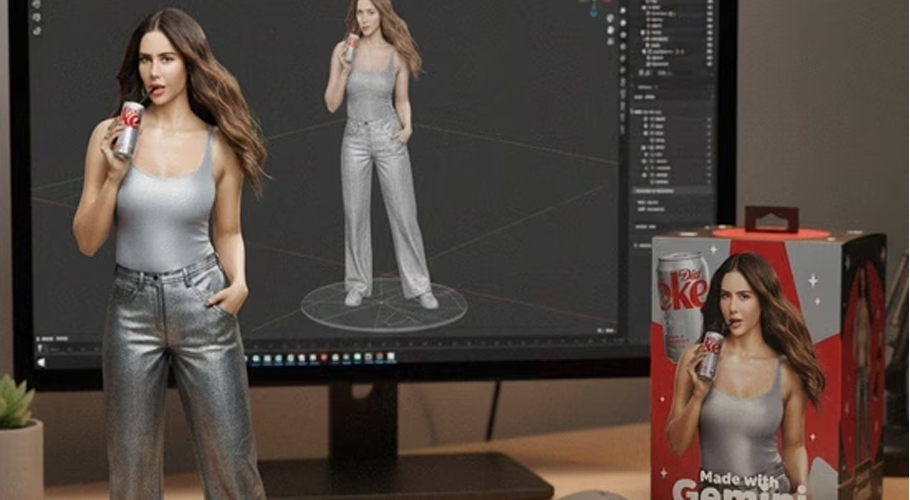
Google’s Nano Banana AI image model is going viral, and for good reason. The new Gemini AI tool turns your images into lifelike miniature 3D figurines, blending AI creativity with collectible-style digital art in seconds.
After OpenAI’s ChatGPT introduced AI image generation in March last year, kicking off viral trends like the popular Studio Ghibli-style portraits, Google is finally stepping into the spotlight with its own creative tool: Nano Banana.
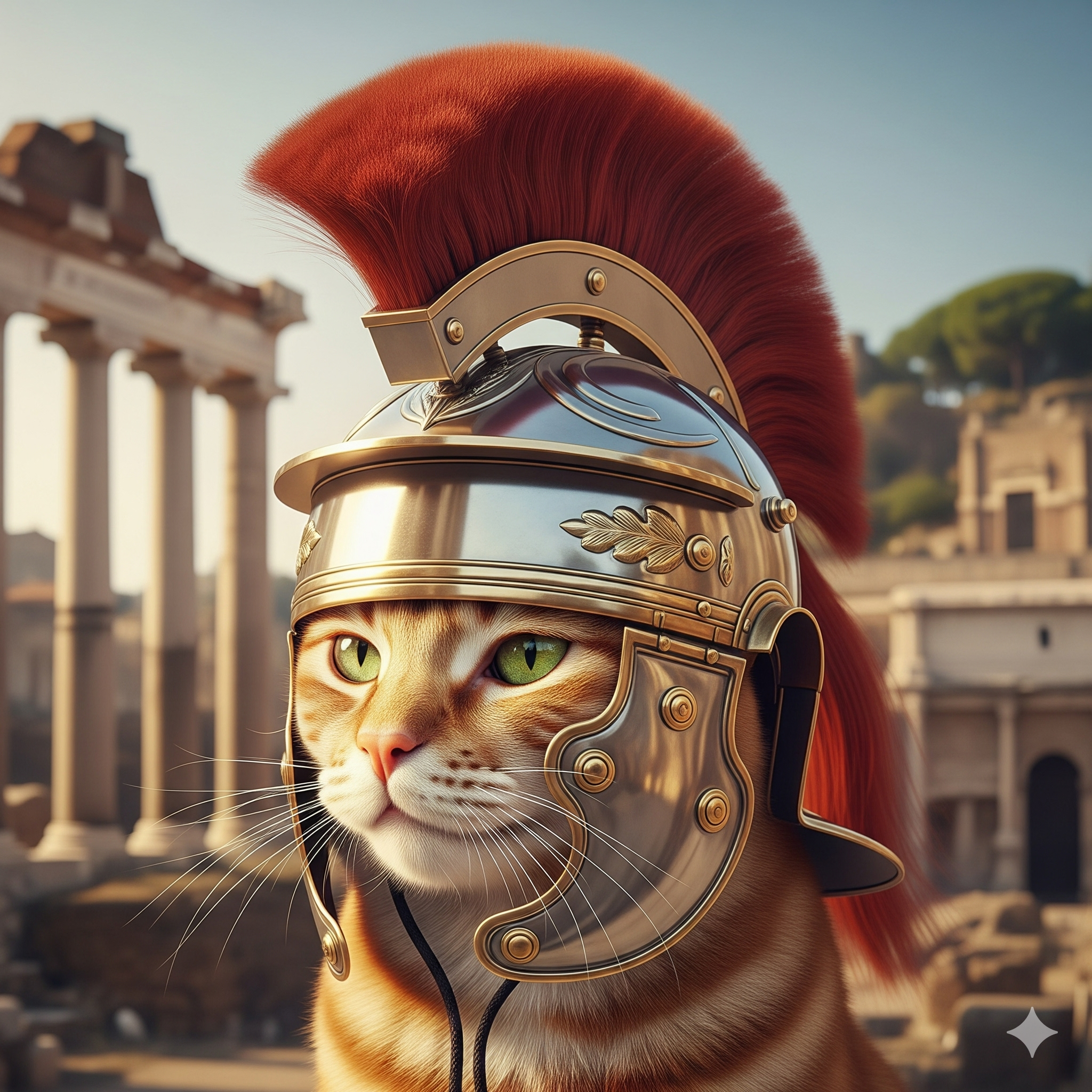
The oddly charming name comes from Google’s lightweight Gemini “Nano” model, designed for on-device AI tasks, combined with “Banana”, a playful internal codename that’s caught on among users online.
Now available for free via the Gemini app and Google AI Studio, Nano Banana allows users to transform regular photos into lifelike 3D figurine-style images within seconds — blurring the line between digital art and collectibles.

How to Make Your Own AI Figurine with Nano Banana
- Open the Gemini app (on mobile) or log in to Google AI Studio (on desktop).
- Upload a photo you want to transform.
- In the prompt box, enter a figurine-style prompt like:
“Create a 1/7 scale commercialized figurine of the characters in the picture, in a realistic style, in a real environment. The figurine is placed on a computer desk.”
- Generate the image, and use follow-up prompts to fine-tune the result if needed.
Whether you’re creating a digital collectible of yourself or reimagining your pet as a desk figurine, Nano Banana offers a fun, fast, and free way to explore the world of AI-powered digital art.