










Malwarebytes announced on January 9 that it had identified a data breach allegedly linked to the Meta-owned platform. The cybersecurity firm claimed that hackers had leaked data belonging to 17.5 million Instagram accounts online. The exposed information reportedly included usernames, email addresses, phone numbers, and physical addresses.
In a post on X (formerly Twitter), Malwarebytes wrote: “Cybercriminals stole the sensitive information of 17.5 million Instagram accounts, including usernames, physical addresses, phone numbers, email addresses, and more.”
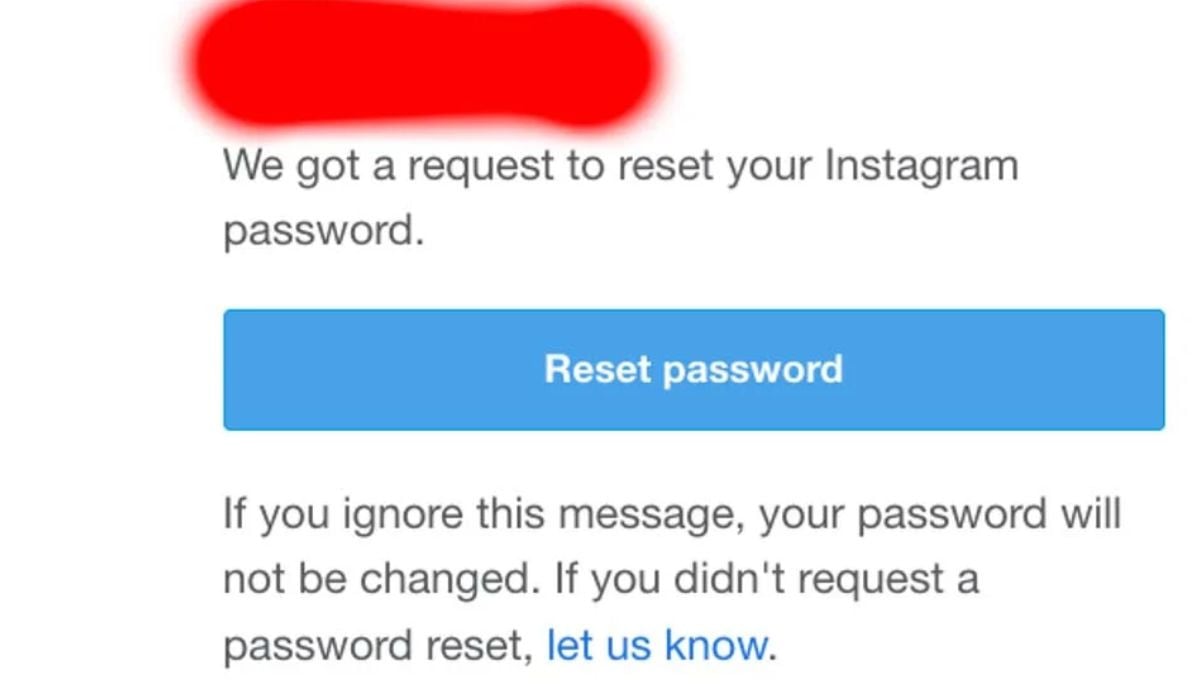
Instagram, however, publicly disputed these claims. On the morning of January 11, the company said in a post from its official X account: “There was no breach of our systems and your Instagram accounts are secure. You can ignore those emails.”
We fixed an issue that let an external party request password reset emails for some people. There was no breach of our systems and your Instagram accounts are secure.
You can ignore those emails — sorry for any confusion.
— Instagram (@instagram) January 11, 2026
Why clicking on such emails is dangerous
Users are urged to be extremely cautious when dealing with unsolicited messages, as cybercriminals are increasingly abusing security-related features to trick victims. Experts warn that clicking a “Reset password” button in a phishing email can hand attackers the extra information they need to fully compromise an account.
It is worth mentioning that the threat is serious enough that the FBI issued a warning in 2025, advising organizations and individuals not to fall for fraudulent password reset schemes.
How to protect your account
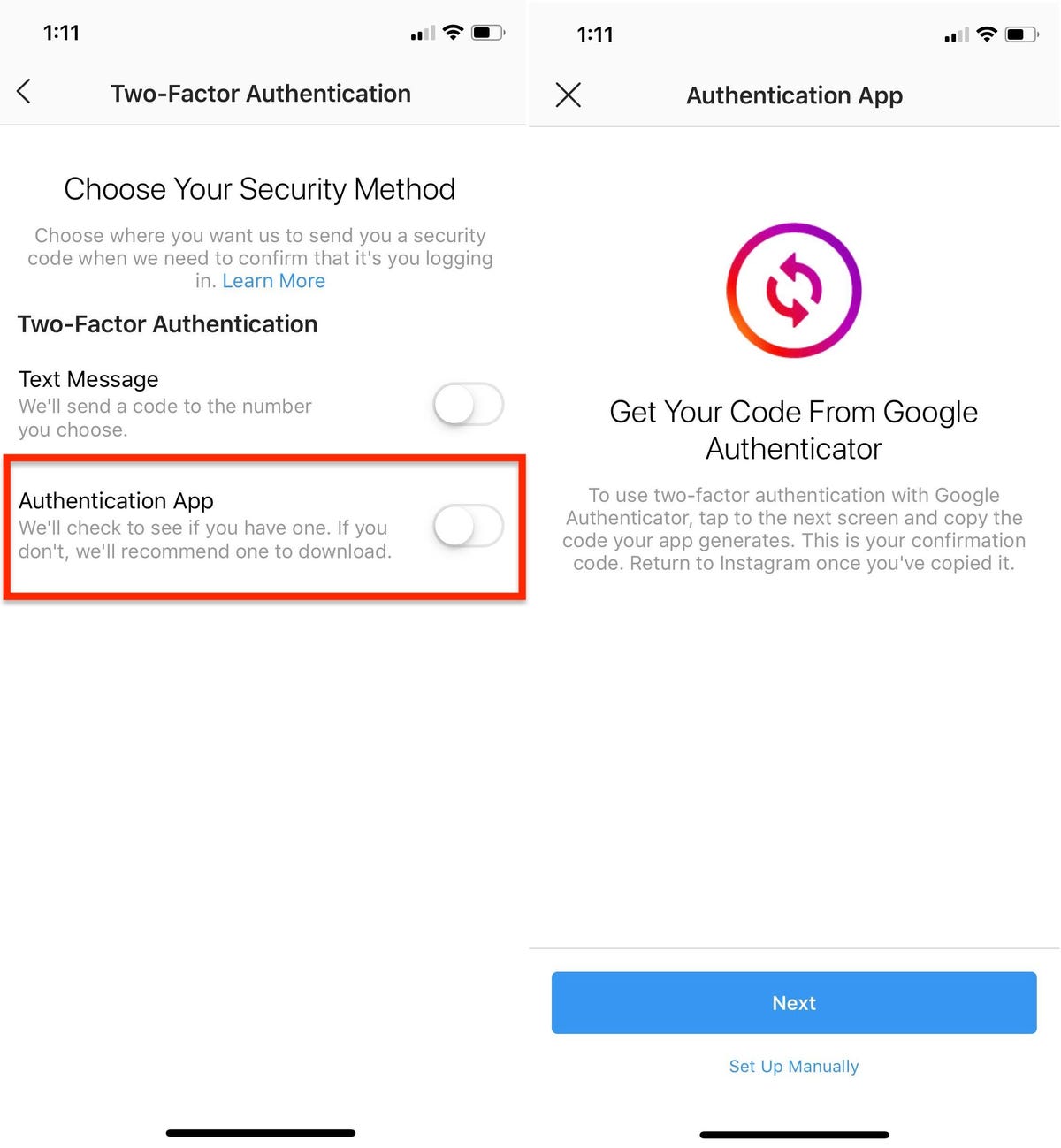
Activate Two-factor authentication on your account. Two-factor authentication (2FA) protects accounts by requiring two verification steps, like a password (something you know) plus a code from your phone or a fingerprint scan (something you have/are), making it vastly harder for hackers to access your account even if they steal your password, effectively stopping unauthorized access and protecting your data. It adds a crucial extra layer of security, ensuring only you, with both your password and your physical device/biometric, can log in.